555VU App Download: Quick App vs Speed App
Open 555VU in a phone browser and you are offered two ways to install it. Here is what each option is and how to pick the right one for your phone.
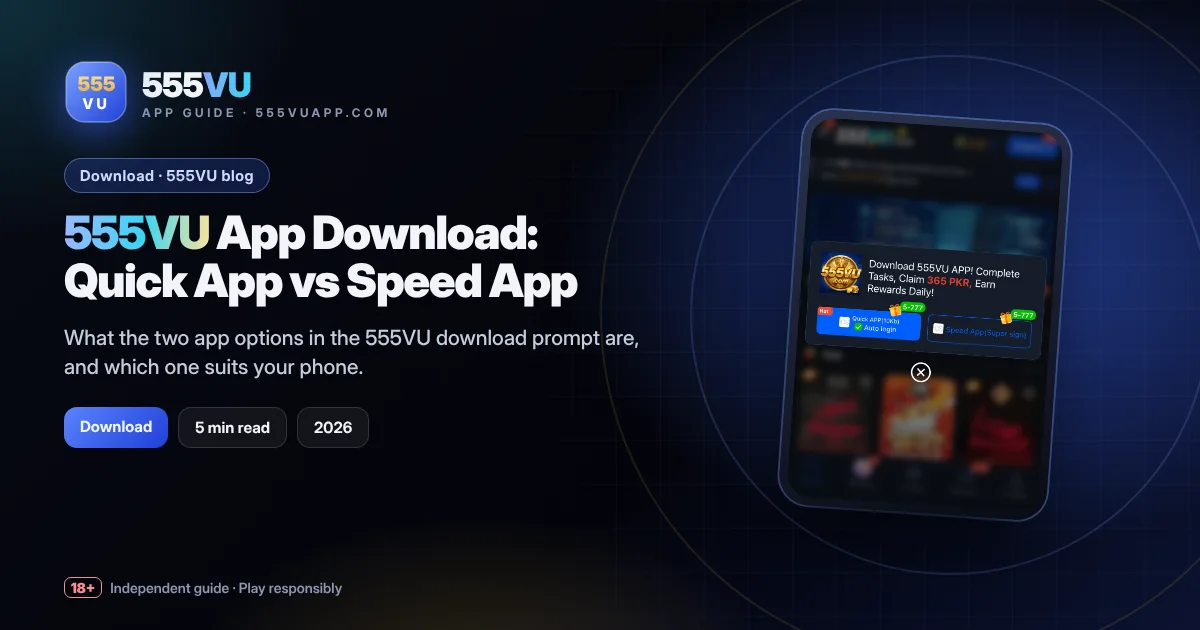
Table of contents
Key takeaways
- Quick APP is about 10 KB and offers auto login.
- Speed App is an alternative “Super sign” install.
- Both use the same 555VU account.
- The 365 PKR is tied to completing tasks.
What the Download Prompt Shows
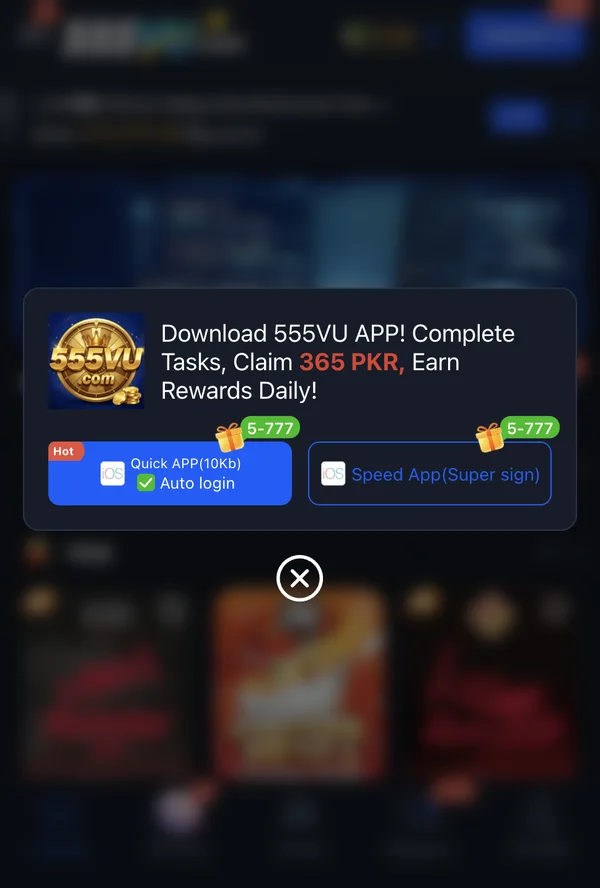
The pop-up reads “Download 555VU APP! Complete Tasks, Claim 365 PKR, Earn Rewards Daily!” Below it sit two buttons: Quick APP (10 KB), flagged “Hot” with “Auto login” ticked, and Speed App (Super sign). Each carries a small “5–777” gift tag, and both showed iOS-style icons when we checked.
Whichever you choose, you log in to the same 555VU account. The difference is how the app is installed and how it behaves on your phone.
Quick APP: Tiny and Always Signed In
At around 10 KB, the Quick APP is not a full game client. It works like a smart shortcut that opens 555VU in app form and remembers your login. That makes it ideal for phones that are short on storage, and it installs almost instantly.
The trade-off is that it depends on your connection, since games load from 555VU’s servers. Auto login is convenient, but it also means you should keep a screen lock on your phone.
Speed App: The Alternative Install
The Speed App is labelled “Super sign”, a term used for app installs distributed outside the official app stores. After you tap it, your phone shows its own confirmation steps. Read them, and continue only if you started from an official 555VU address.
Which One Should You Pick?
| Quick APP | Speed App | |
|---|---|---|
| Size | About 10 KB | Shown on your phone |
| Login | Auto login | Sign in as normal |
| Best for | Low storage, fast setup | Players who prefer an app-style install |
If in doubt, start with the Quick APP. It takes seconds and you can always try the Speed App later.
About the 365 PKR
The prompt links the 365 PKR to completing tasks, so it is not instant cash. After installing, open the task list to see what is required, and read any conditions before counting on the reward.
Never install a 555VU file sent to you in a chat. Use only official addresses.
Keep Reading
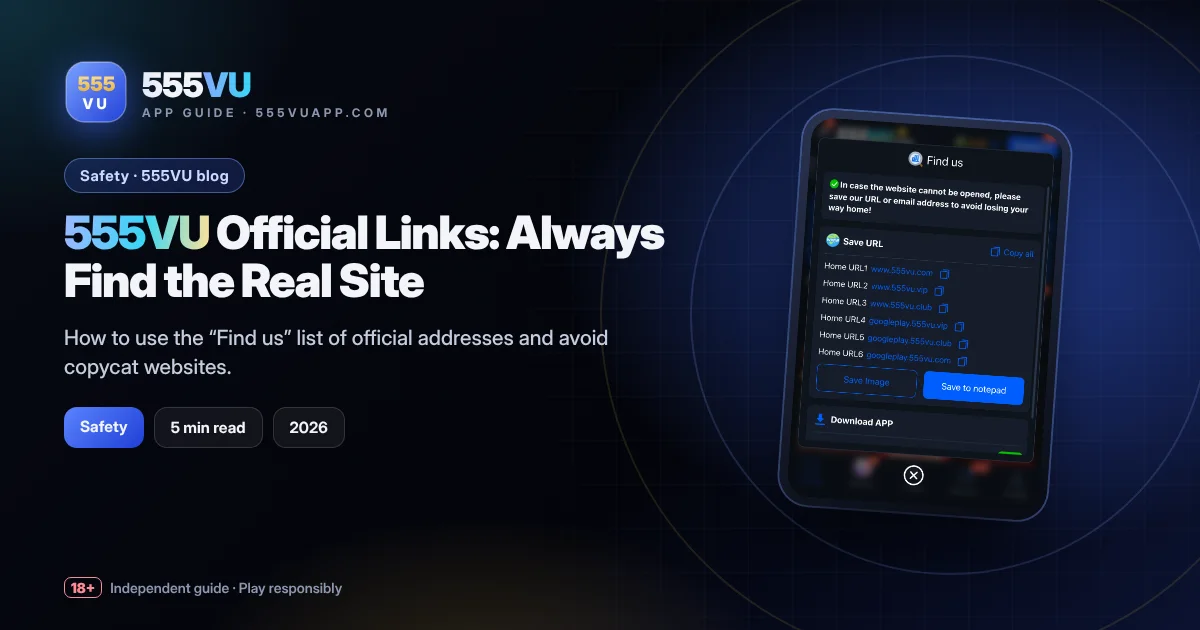
555VU Official Links: Always Find the Real Site
How to use the “Find us” list of official addresses and avoid copycat websites.
Read guide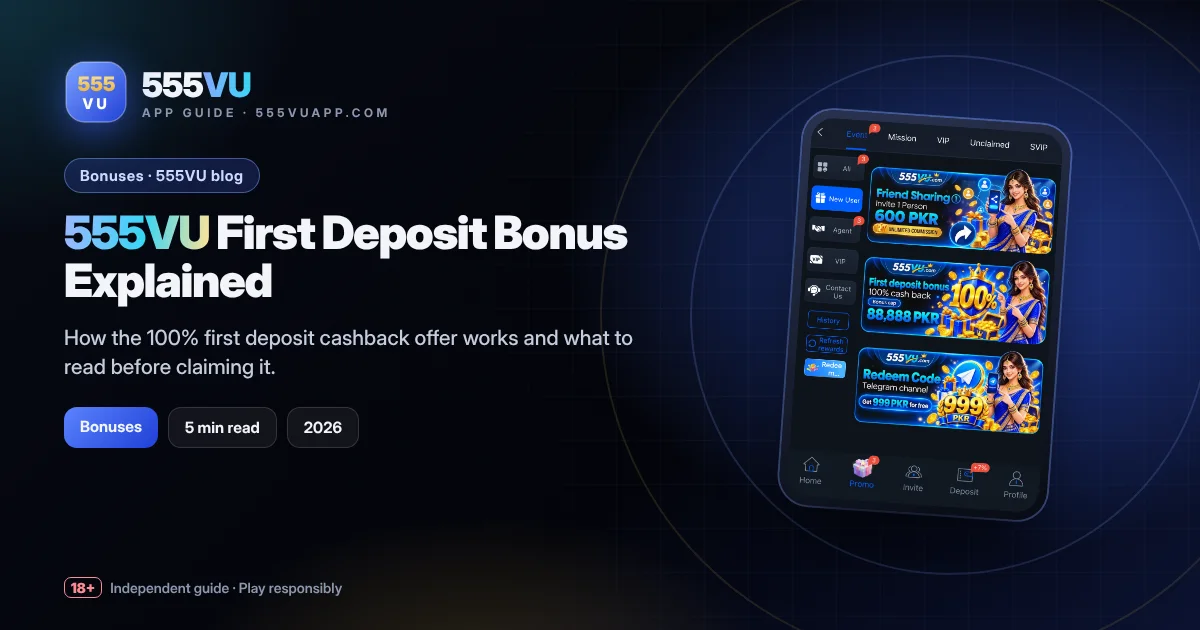
555VU First Deposit Bonus Explained
How the 100% first deposit cashback offer works and what to read before claiming it.
Read guideShare this guide
Know someone setting up 555VU? Send them this page.