555VU Daily Missions and Activity Chests
The Mission tab turns everyday activity into points and reward chests. Here is how it works and how to use it without overdoing it.
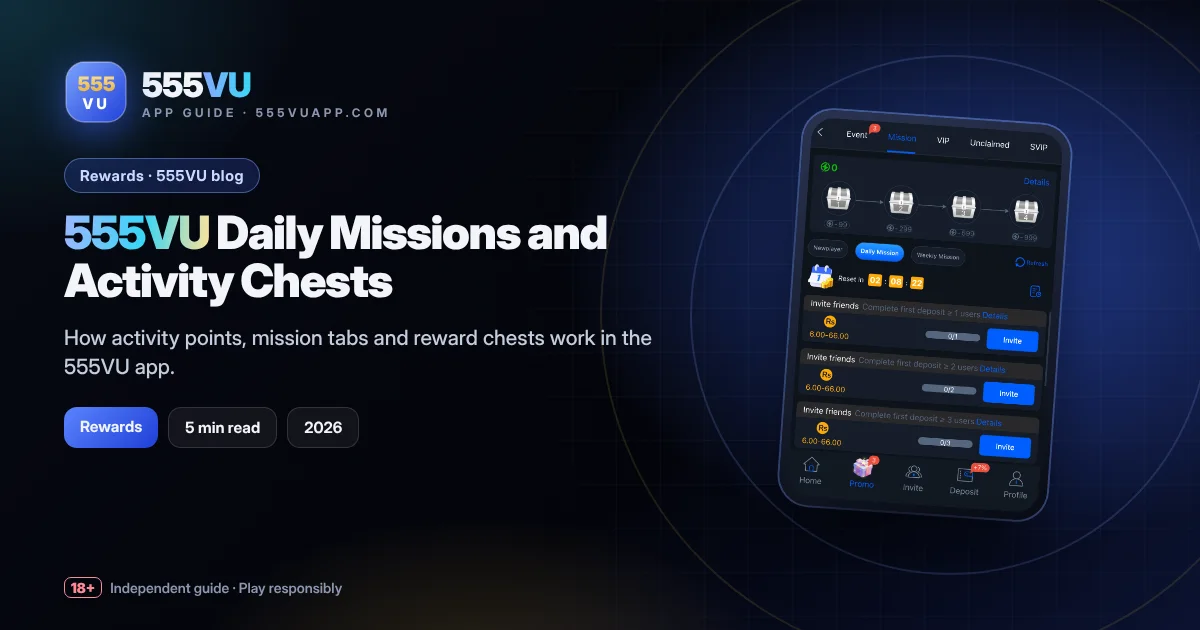
Table of contents
Key takeaways
- Activity chests unlock at 99, 299, 599 and 999 points.
- Missions are split into Newplayer, Daily and Weekly.
- Many tasks are invite-based with small rewards.
- Never spend extra just to finish a mission.
How Missions Work
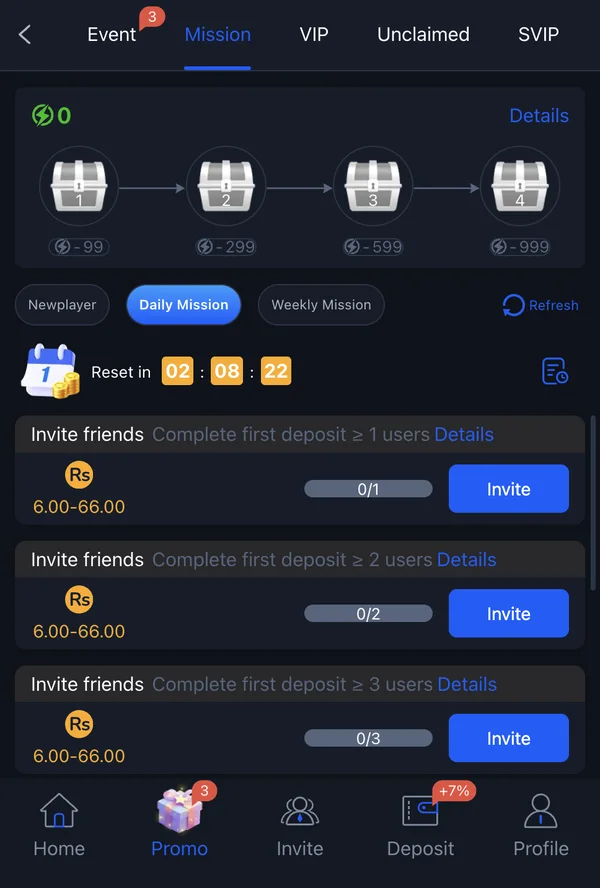
Open Promo, then Mission. At the top, a lightning-bolt counter shows your activity points, and a track with four chests opens at 99, 299, 599 and 999 points. A “Details” link explains the rules.
Below, missions are split into three tabs: Newplayer, Daily Mission and Weekly Mission. A countdown shows when the daily list resets, and a Refresh button updates your progress.
What the Tasks Look Like
Many tasks we saw were invite-based, for example inviting friends who complete a first deposit, at levels of 1, 2 and 3 users. Each showed a reward range of Rs 6.00–66.00 and a progress bar such as 0/1.
The Newplayer tab is designed for fresh accounts and usually contains simpler, one-time tasks. Check it first after registering.
A Sensible Mission Routine
- 01
Check Newplayer once
Complete simple one-time tasks that fit what you were doing anyway.
- 02
Glance at daily tasks
Do the ones that need no extra spending.
- 03
Open chests as they unlock
Collect rewards, and check the Unclaimed tab.
- 04
Skip pressure tasks
Never push friends or deposit extra just to finish a mission.
Keeping Rewards in Perspective
Mission rewards are small by design, and that is fine. They are a bonus for normal activity, not a reason to play more. If a task would make you spend money you had not planned to, it is not worth it.
Keep Reading
555VU Invite Friends Program Guide
How Friend Sharing and agent rewards work, plus the etiquette that keeps you out of trouble.
Read guide
555VU VIP and SVIP Benefits Explained
What the VIP and SVIP tabs show, how levels usually work and how to keep perspective.
Read guideShare this guide
Know someone setting up 555VU? Send them this page.